 Live Manual
Structure and reuse
Keep campaigns organized and reports repeatable
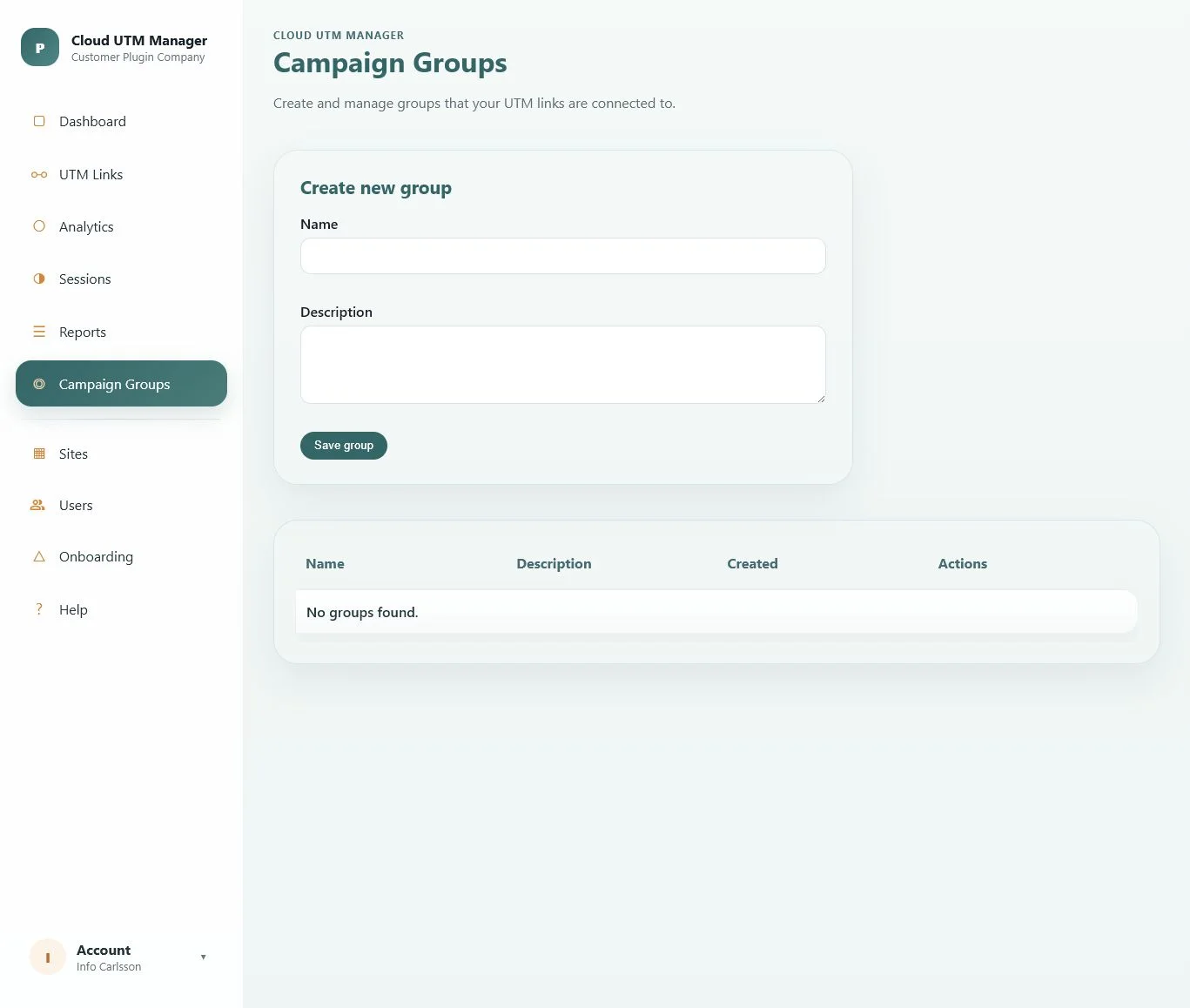
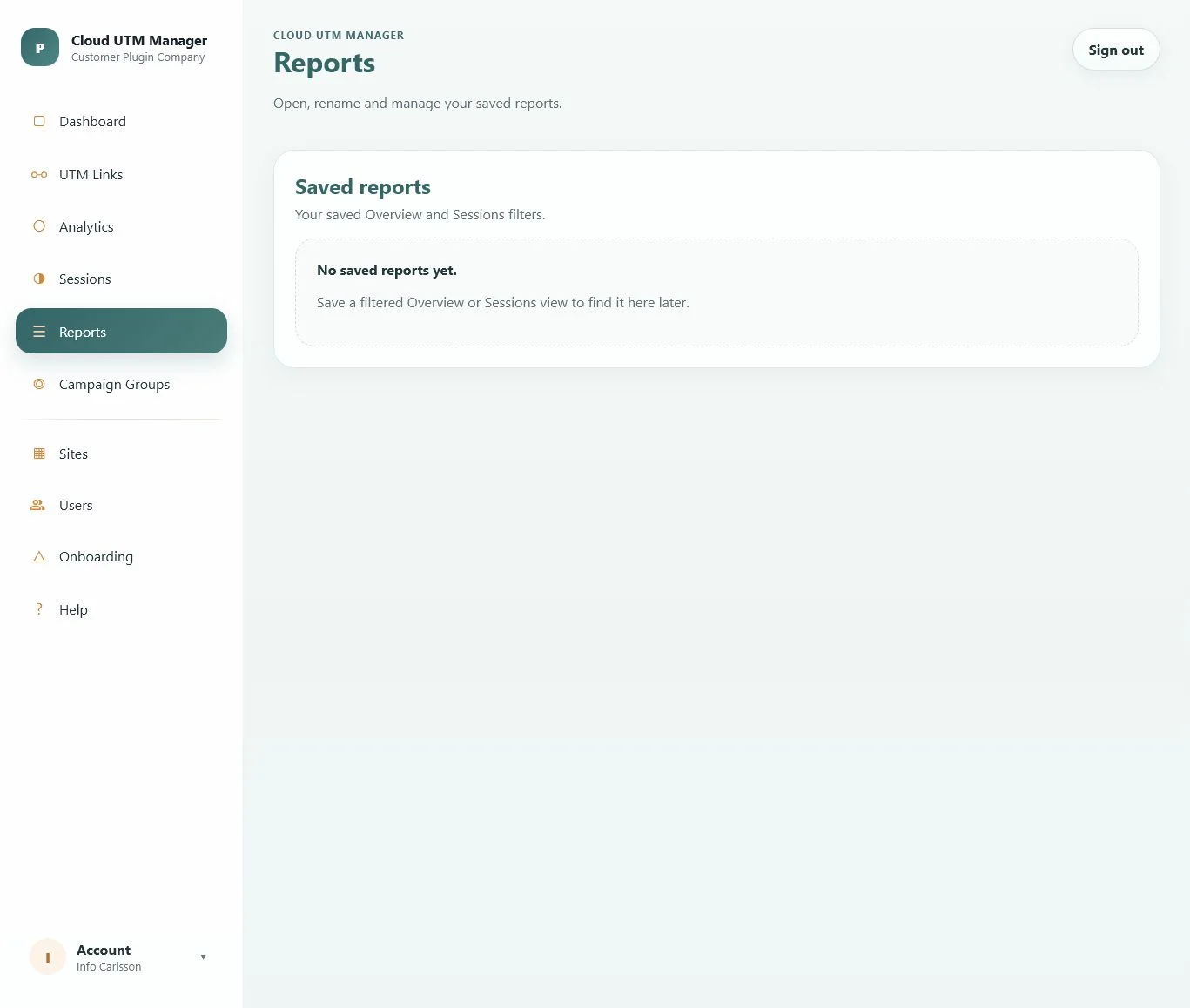
Campaign groups provide a stable layer above individual links. Saved reports preserve useful filter combinations so recurring analysis starts from the same question.
Client PortalCampaign Groups
Build a practical naming strategy
- Create one group for a business initiative, launch, season or reporting responsibility.
- Use the description to record the purpose and any naming rules.
- Reuse the same source and medium vocabulary across the group.
- Use the link label for a human-readable internal name and UTM values for consistent reporting.
Example: group
Spring product launch, campaign spring_launch_2026, sources linkedin and newsletter, and media social and email.Save a filtered report
- Open Analytics or Sessions and apply the filters you want to reuse.
- Select Save report.
- Enter a clear report name and choose whether to open Reports after saving.
- Open the saved report later to restore the report type and its filters.
Manage saved reports
The Reports view lists saved Overview and Sessions filters. Open a report, rename it or queue it for deletion. Deletion includes a short undo window so an accidental action can be cancelled.
Export the current result
Save view as PDF
Create a presentation-ready export from the current Analytics or Sessions selection.
Saved report
Preserve the filter state in the portal when you need to return to the same live analysis later.
Check filters before exporting. The export reflects the selected period and active filters, so include that context when sharing the result.