
CHANNEL-BY-CHANNEL GUIDE
UTM examples that make every campaign launch easier
Start with trusted patterns instead of a blank form. These UTM examples show the thinking behind each value, so your team can adapt them with confidence and keep every channel consistent.
- Email and newsletter links
- Paid social and search
- QR, partner and offline campaigns
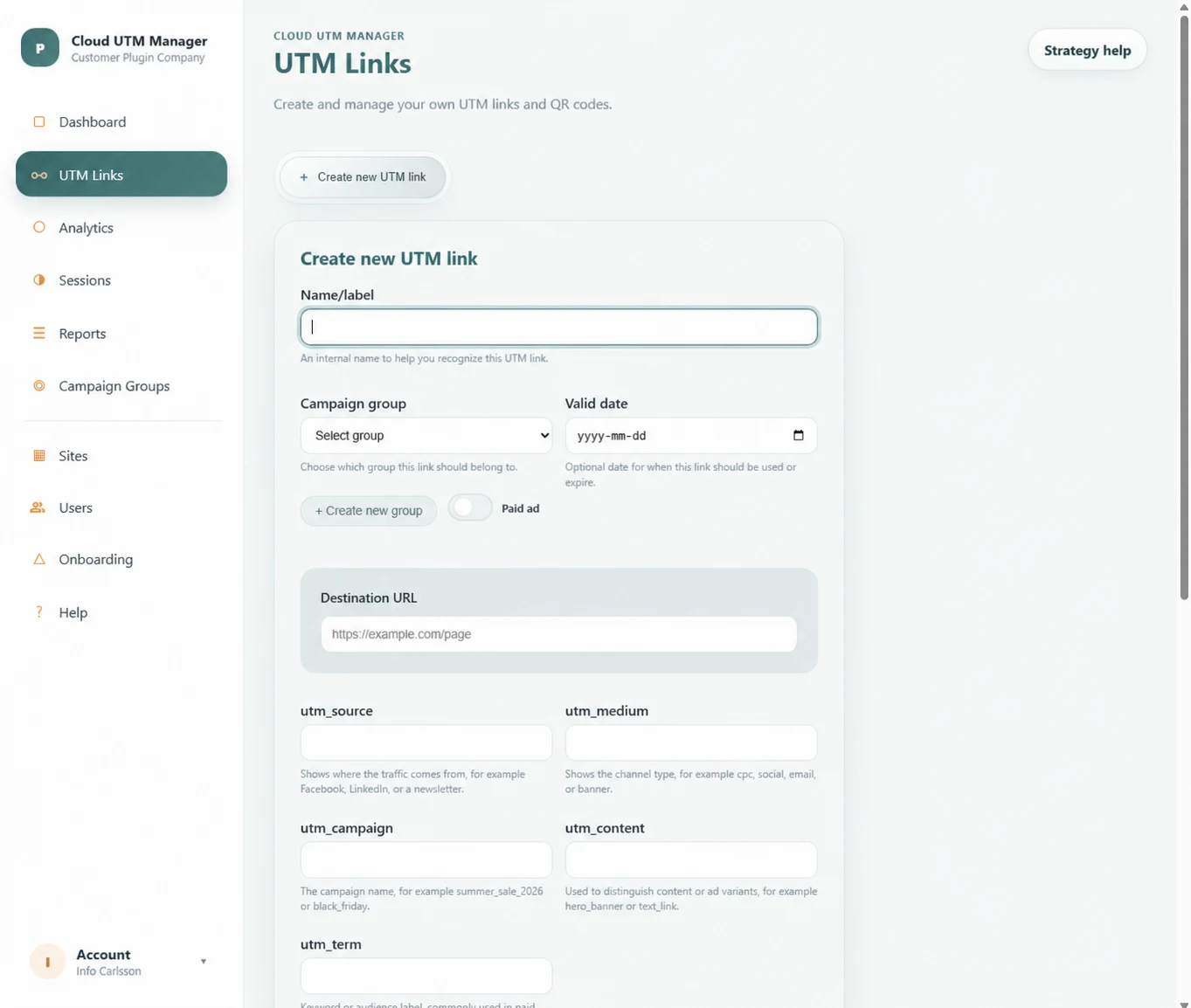
6 channels
Ready-to-use patterns for the campaigns teams run every week.
5 parameters
See exactly where every campaign detail belongs.
1 convention
One familiar logic makes every example easier to adapt.
Faster launches
Move from brief to trusted link without starting over.
EXAMPLES WITH A PURPOSE
Start with a trusted pattern—not a blank form
A useful UTM example shows where platform, channel, initiative and creative belong. Your team gets a confident starting point while your own naming convention keeps the result relevant.
EMAIL
Keep email reporting easy to trust
Use a stable email pattern so every send can be compared without extra cleanup.
PAID
Make every channel understandable
Separate platform, channel and message so results still make sense when campaigns grow.
OFFLINE
Give offline placements a story
Name the event, campaign and exact placement so each QR scan keeps its real-world context.
READY-TO-ADAPT PATTERNS
Six UTM examples your team can adapt with confidence
EMAIL
Newsletter
source: newsletter
medium: email
campaign: monthly_update_2026_08
content: primary_cta
SEARCH
Google Ads
source: google
medium: cpc
campaign: brand_search_se
term: utm_manager
SOCIAL
Meta campaign
source: facebook
medium: paid_social
campaign: product_launch
content: carousel_b
B2B
LinkedIn campaign
source: linkedin
medium: paid_social
campaign: lead_generation_q3
content: document_ad
PARTNER
Partner referral
source: partner_name
medium: referral
campaign: co_marketing_webinar
content: follow_up_link
QR
Event poster
source: event_name
medium: qr
campaign: conference_2026
content: entrance_poster
COMPLETE EXAMPLE
A newsletter link with a specific call-to-action
https://examplesite.com/product
?utm_source=newsletter
&utm_medium=email
&utm_campaign=monthly_update_2026_08
&utm_content=primary_cta
How to adapt an example safely
- Keep source and medium aligned with your approved dictionary
- Replace campaign with a stable initiative name
- Use content for a real creative or placement comparison
- Remove term when no audience or keyword detail is needed
- Test the final URL before it reaches the campaign
FROM EXAMPLE TO STANDARD
Turn good examples into habits that save time
01
Group examples by channel
Create one approved pattern for each channel your team actually uses, including the required fields and allowed source and medium values.
02
Add campaign placeholders
Show where campaign name, market, date, audience and creative details belong instead of hard-coding one old campaign into the template.
03
Store examples beside the builder
Make templates available where links are created so campaign owners do not need to search through a separate document during launch.
04
Review real report output
Check whether the resulting dimensions answer the intended questions. Update the template when an example creates ambiguity or unnecessary detail.
COMMON QUESTIONS
Questions about using UTM examples
No. Source, medium and campaign are usually the core fields. Add content and term only when the campaign has variants or targeting details that you plan to compare.
A simple pattern is utm_source=newsletter, utm_medium=email, utm_campaign=initiative_name and utm_content=button_or_link_name.
Use a consistent QR medium and capture the event, publication or physical placement in source, campaign and content. This makes separate posters, packaging or booth signs comparable.
KEEP LEARNING
Build the rules behind every example
UTM Parameters
Understand what each field should describe before adapting an example.
UTM Naming Convention
Create the approved values that keep every channel example consistent.
QR Code Tracking
Connect physical placements to campaign reports and visitor journeys.
CONTROL THE WORKFLOW
Move from copied examples to managed campaign links
Ready to turn UTM examples into reusable campaign links?
UTM Manager Cloud keeps approved patterns, structured links and QR campaigns together—so the right way of working is always close at hand.